
PulseHeberg offers a list of several OS options with automatic installation, however we are not able to offer automatic installation for all VPS. To accommodate as many users as possible, we provide a list of ISOs that can be mounted on KVM VPS servers so you can reinstall them with the OS of your choice.
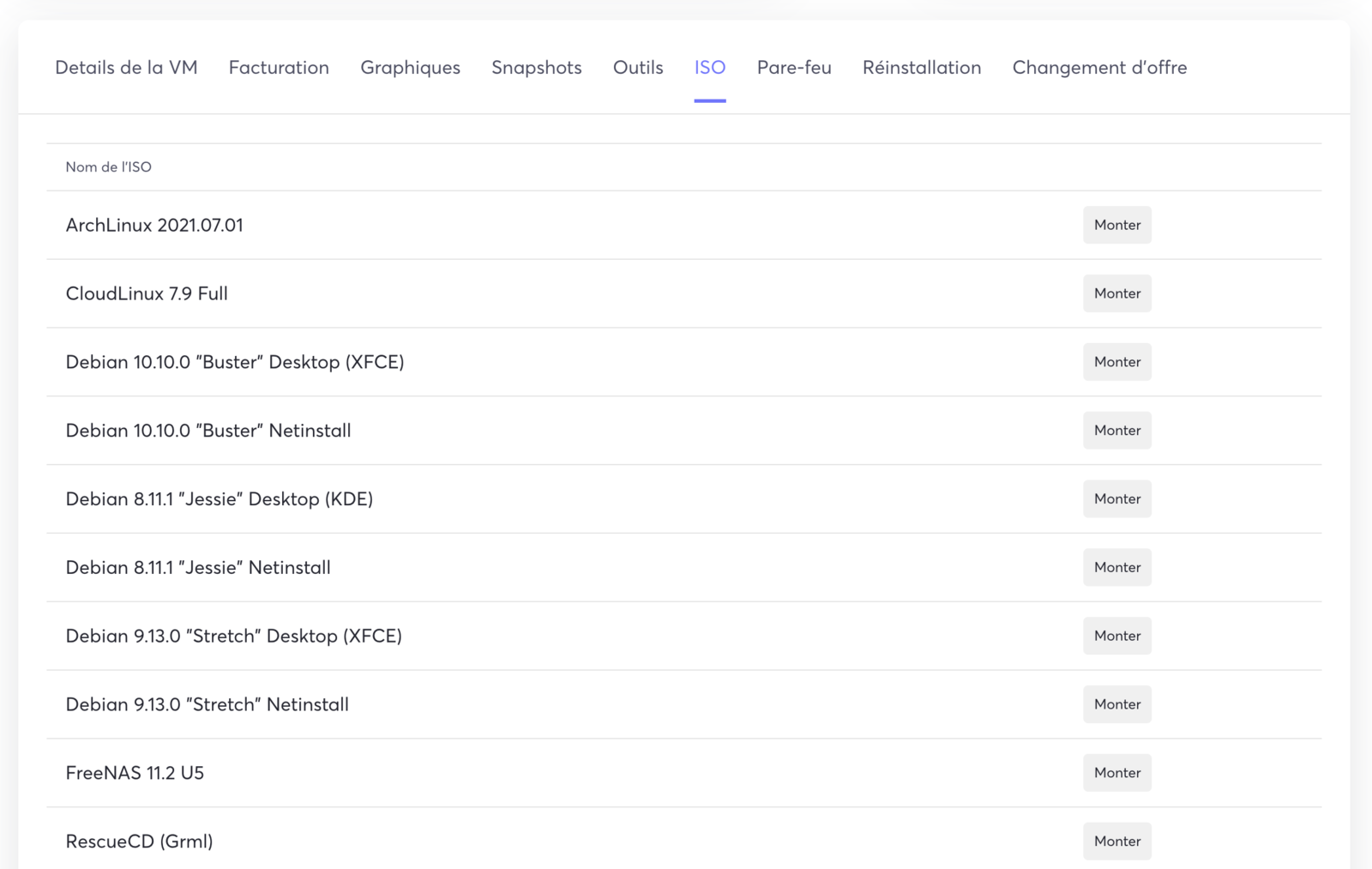
To do this, go to the ISO tab:

In the ISO tab you will find a list of ISOs and you can select the OS of your choice by clicking Mount:
The VPS then automatically reboots onto the ISO of your choice, and you can access the OS from the VNC console.