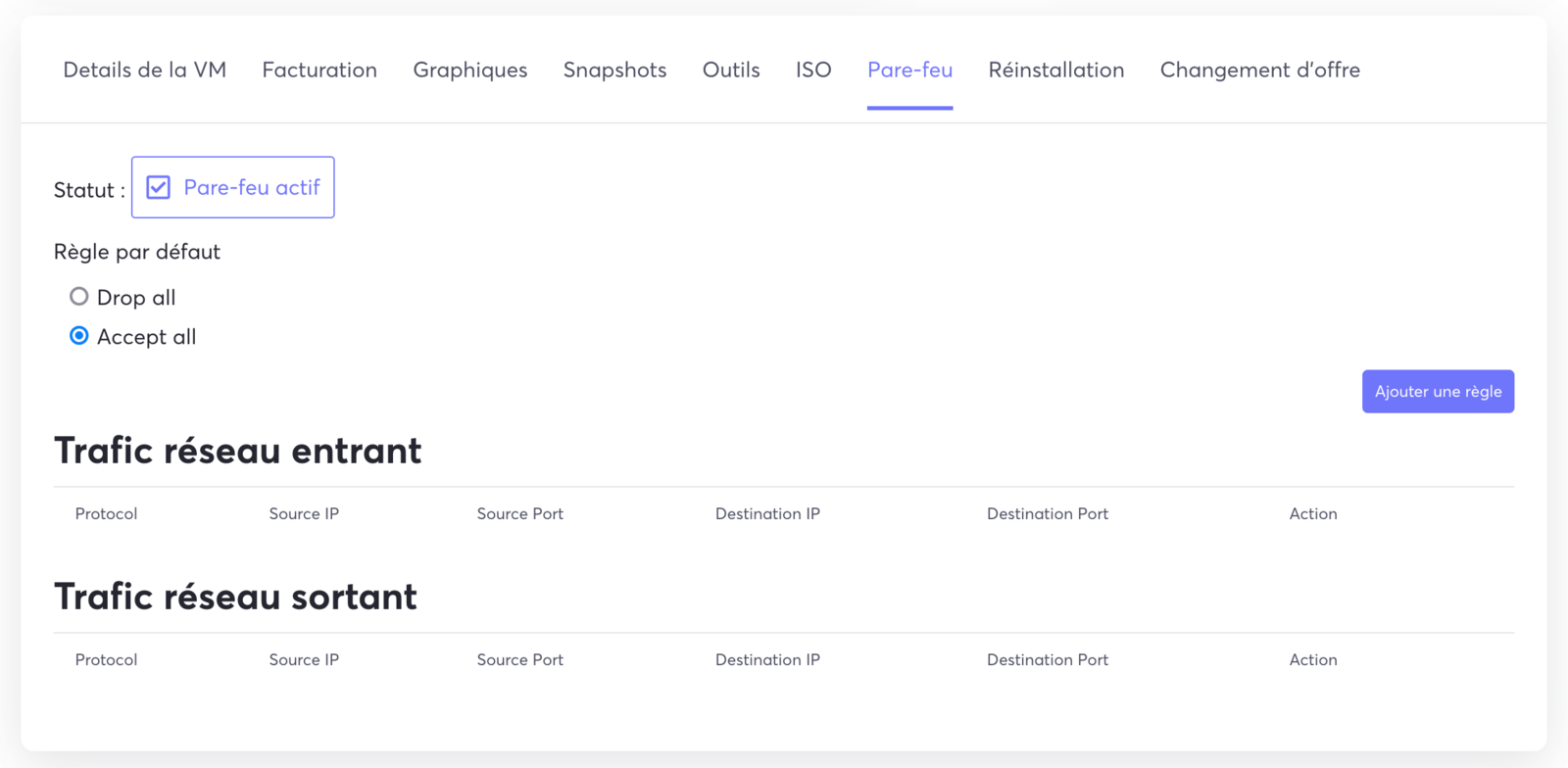
The KVM VPS offering gives you a firewall built directly into our panel, which lets you create rules without any risk of locking yourself out of your server with a bad command.
First, go to the management panel of your KVM VPS and click on the Firewall tab:

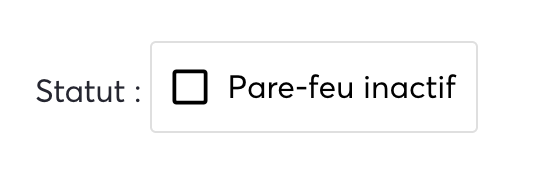
By default the firewall is disabled, simply check the box to enable the Firewall in order to access its configuration:
Once the firewall is active, you can configure it in a simple way for incoming or outgoing network traffic, as well as set the default rule: