
First, you need to access the management panel of your KVM VPS and then click on the Snapshots tab:
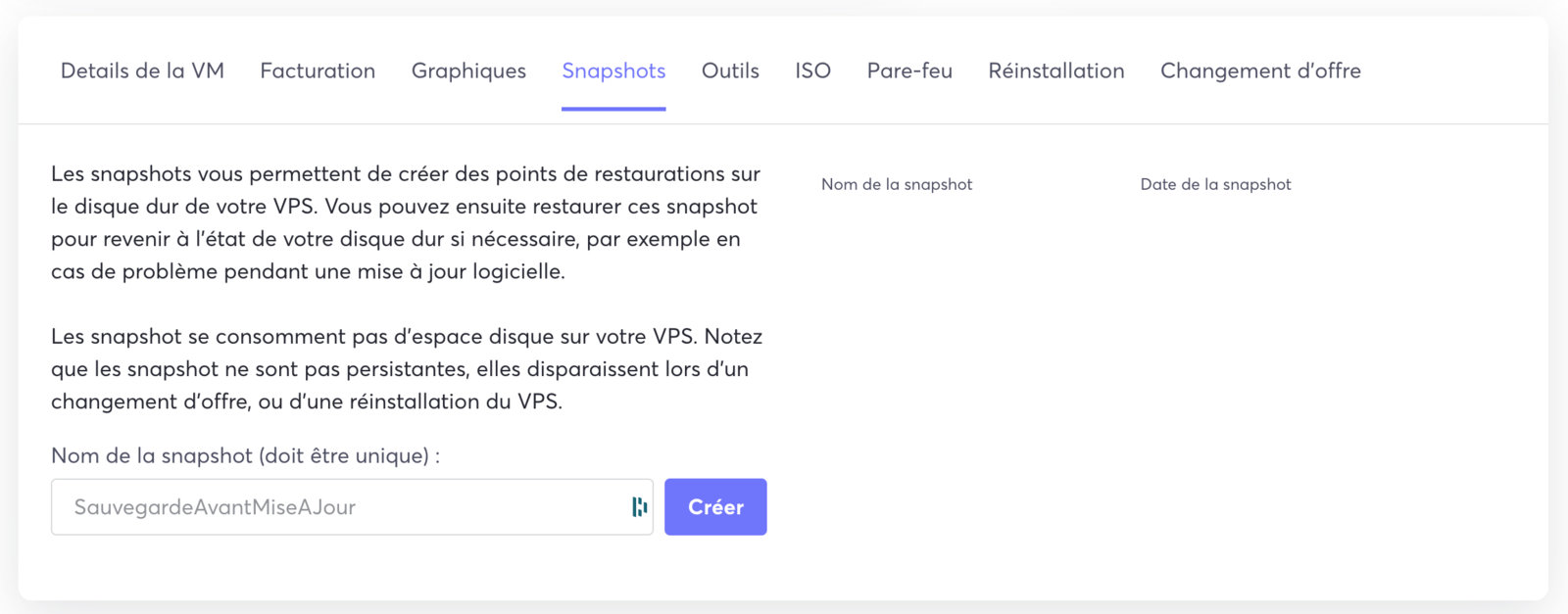
The tab then takes you to the snapshot management section:
To create a snapshot, enter the name of your snapshot and then click on the Create button:

A created snapshot appears in the list of available snapshots, and you can restore or delete the available snapshots:
