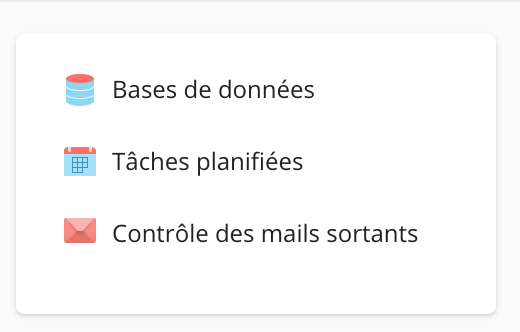
In your Plesk panel, go to the menu on the right and select "Scheduled Tasks":
On the next page, all existing scheduled tasks are displayed. If you don't have any, the message No items found appears:
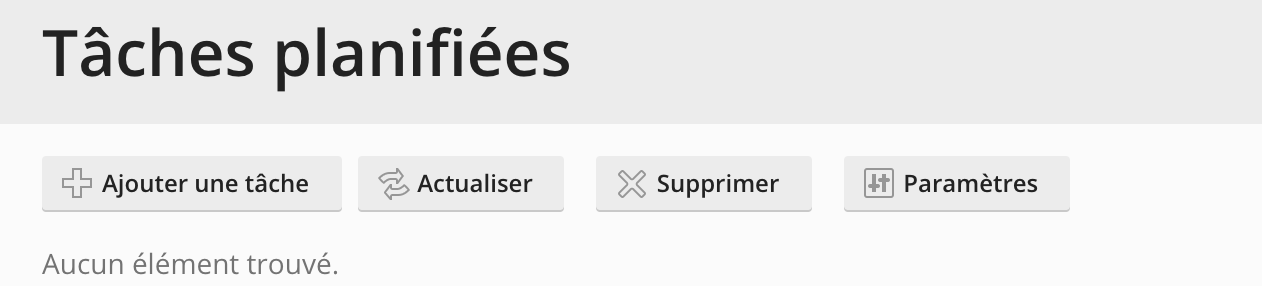
To create a new task, click on Add a task:

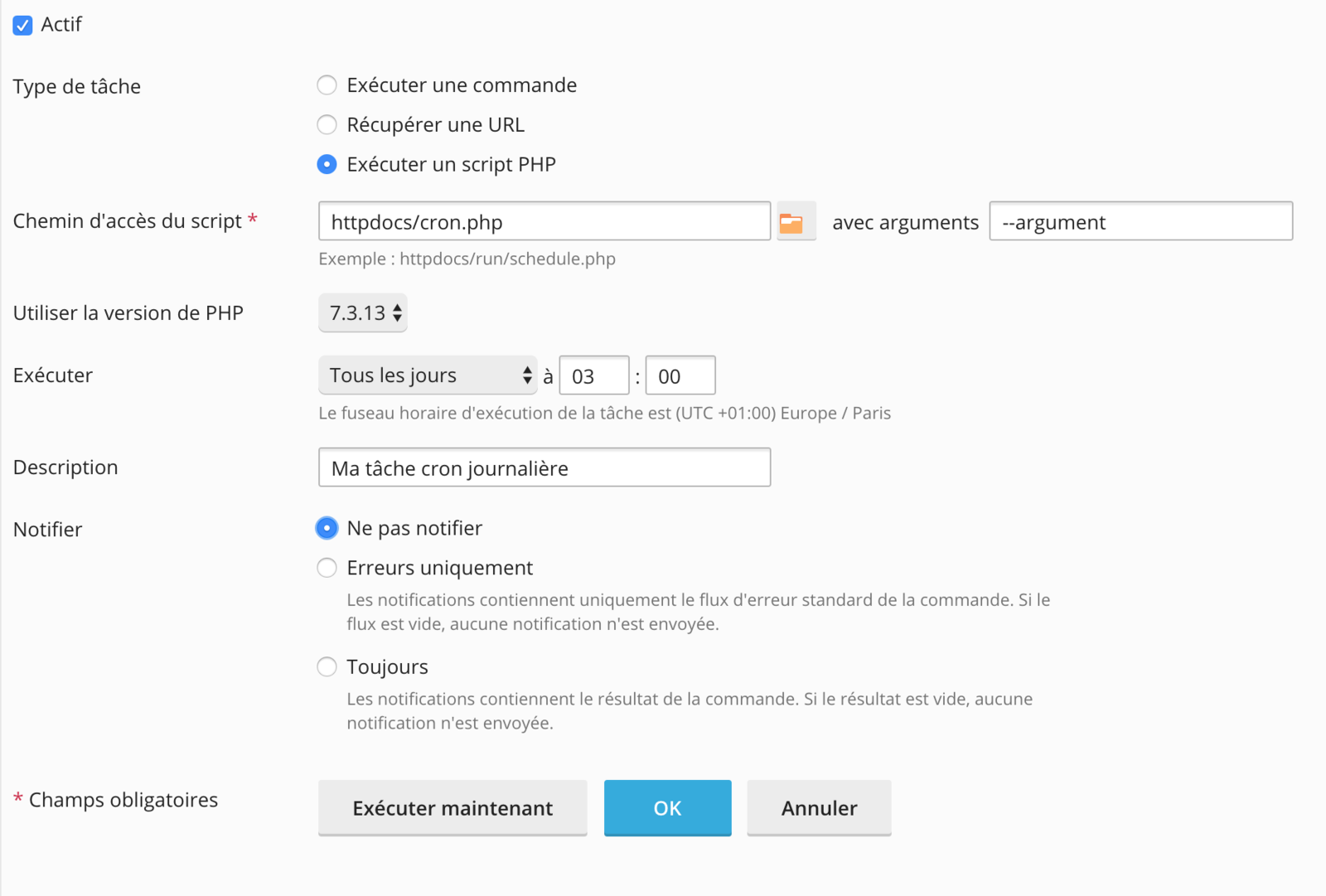
You can choose to run a command, access a specific URL, or run a PHP script: 
In our example, we will run the cron.php file with the argument --argument every day at 3 AM using PHP version 7.3: