You can create an email account from your Plesk panel by going to the Email Accounts menu:

On the mail account management page, you can view the list of existing email accounts:

To create an additional account, simply click on Create an email address:

Then fill in the fields:
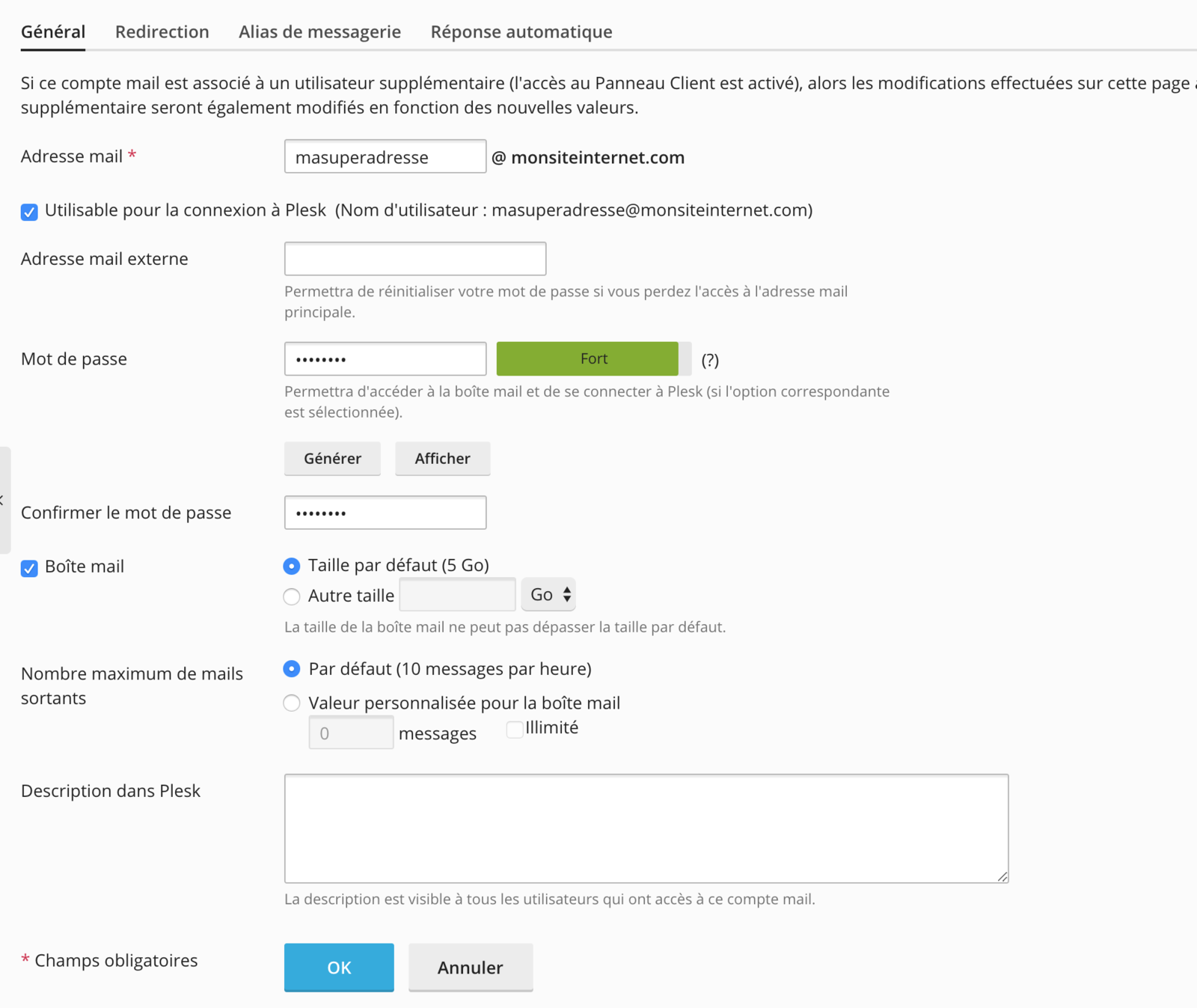
Once everything is filled in, you can confirm the creation by clicking on OK: