Softaculous is a utility that lets you very easily install many CMS platforms on your PulseHeberg web hosting.
You can install a CMS via Softaculous by going to the tab of the same name:
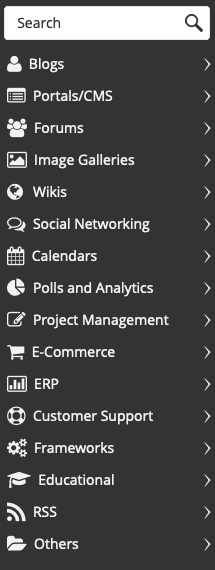
A new tab opens and takes you to the Softaculous panel. The menu on the left lets you choose a category or search for the CMS by its name:
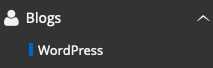
For example, to install Wordpress, go to Blogs and then choose Wordpress:
The next page shows an overview of the CMS we want to install:
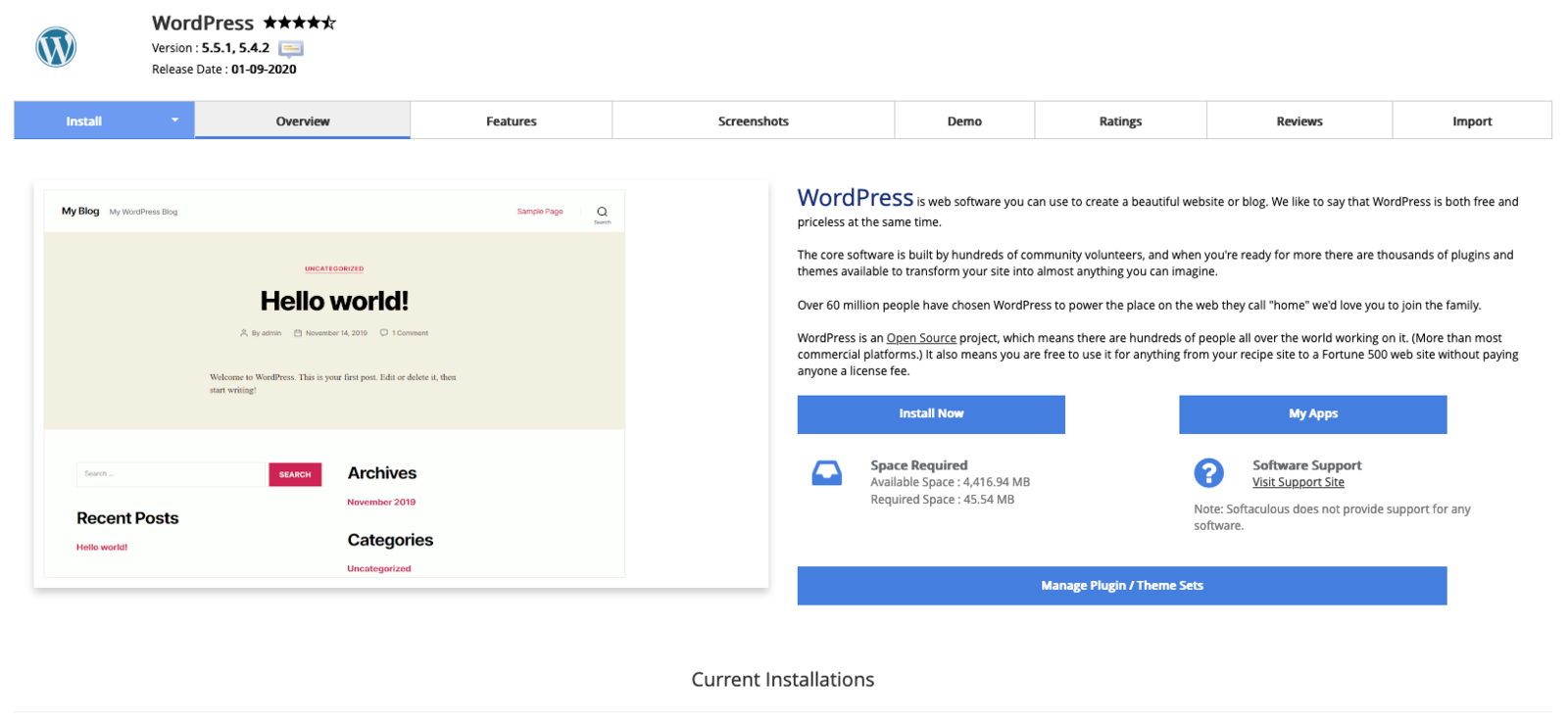
To install this CMS, click on Install Now:
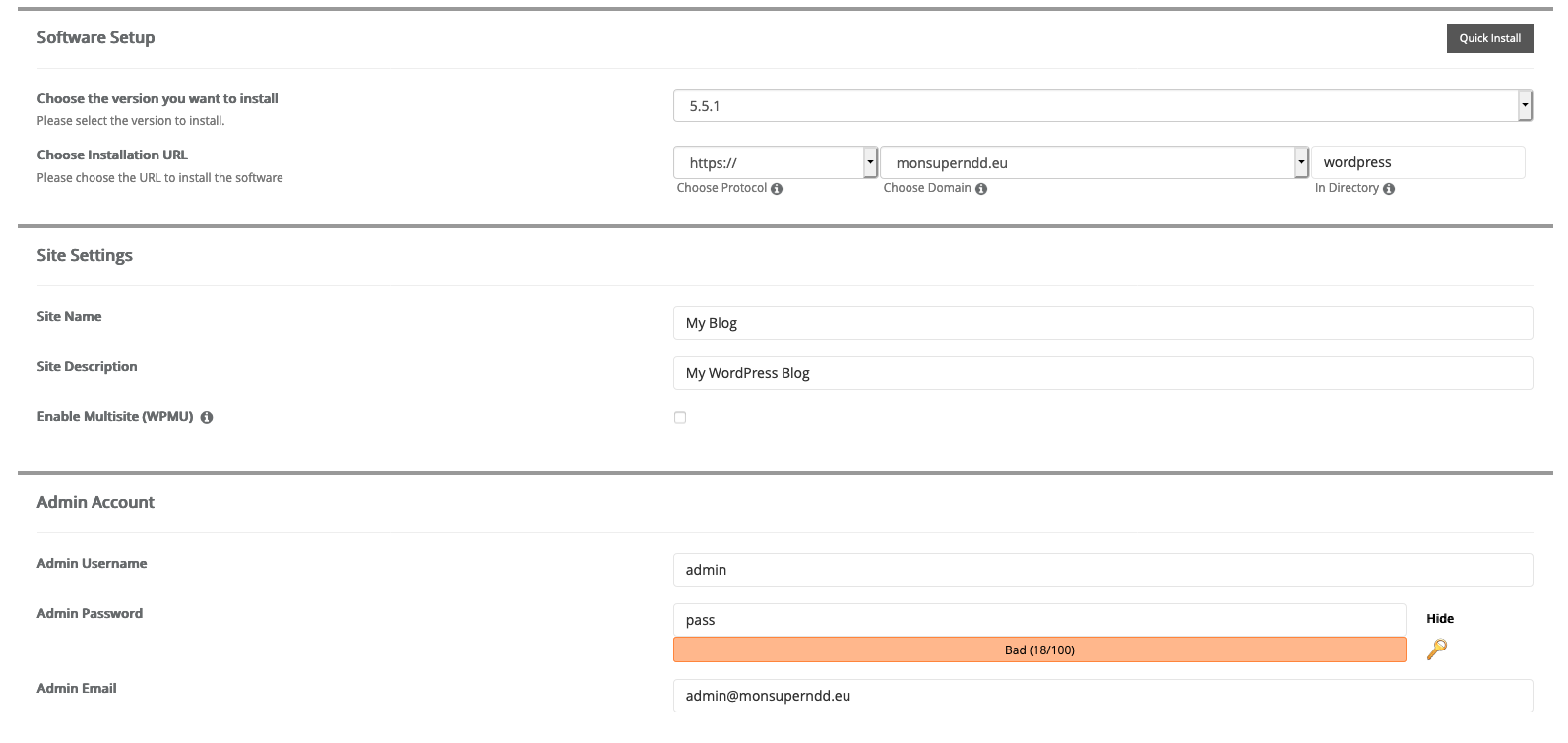
The next page asks for the Wordpress configuration details. You will need to specify the desired version, the URL where the CMS should be installed, the site name and its administrator credentials:
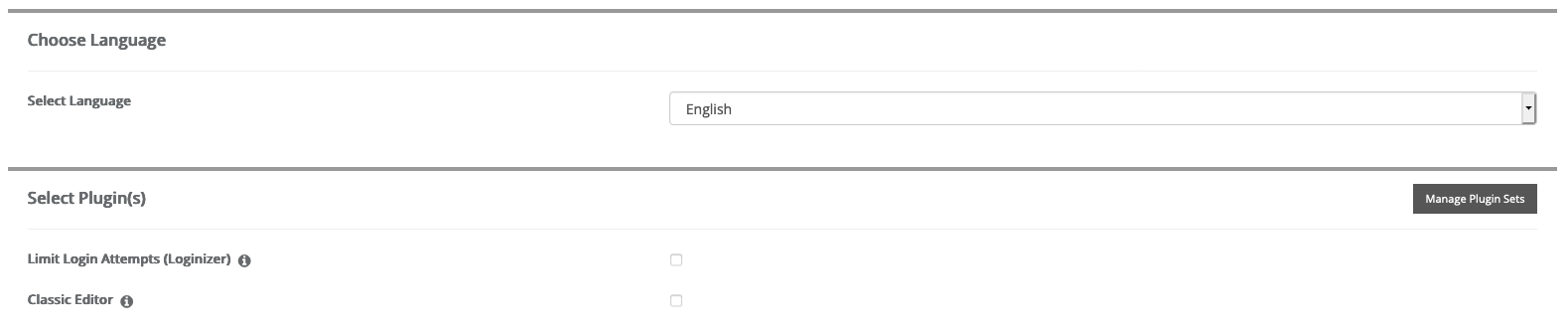
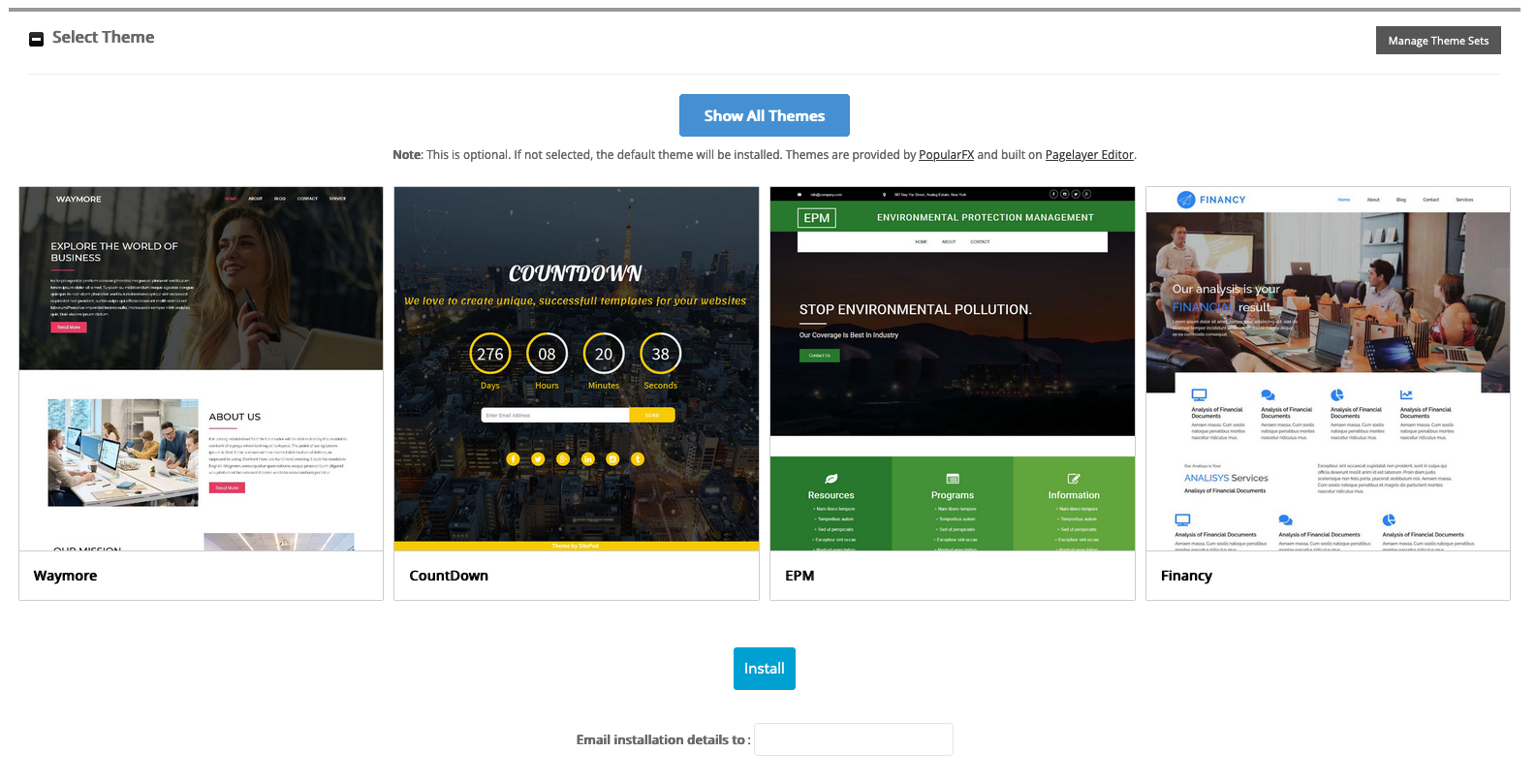
Once the website configuration is complete, simply click on Install to start deploying the CMS. You can also receive a summary by email by filling in the Email installation details to field.
Once the installation has started, the Softaculous tool checks the information you entered and deploys the CMS. This operation takes a few minutes:

When the installation is finished, a confirmation message appears on screen:
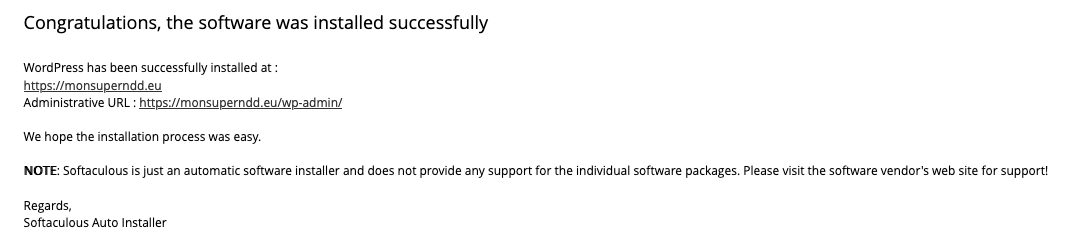
The CMS is now installed: