
You can create a distribution list from your PulseHeberg manager in the details of your Hosted Email service by clicking on the Distribution lists: button
You will then be taken to a page summarizing the existing lists:
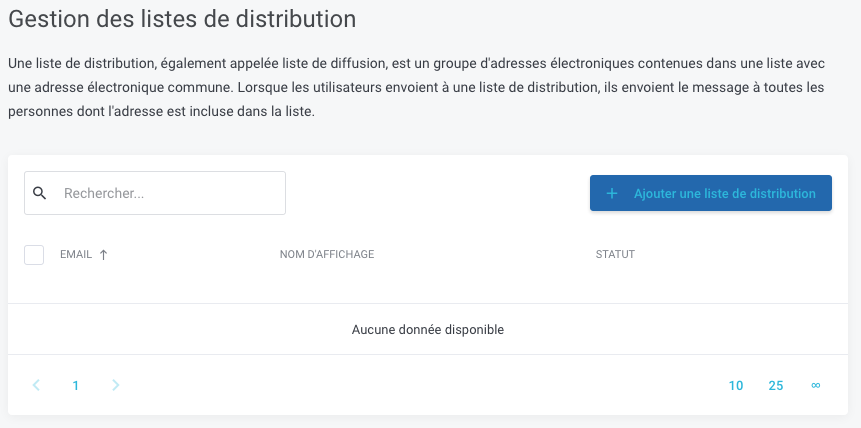
In our example, we do not have any.
To create a new account, click on the Add a distribution list button, then fill in the fields in the pop-up that opens:
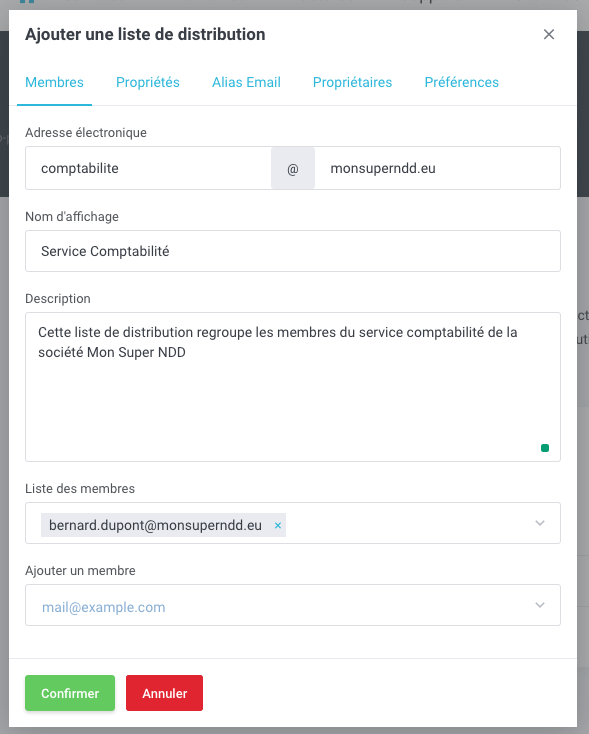
In our example, we configured the list comptabilité@monsuperndd.eu with the user Bernard Dupont.
For this distribution list to be able to receive emails, you need to enable the option to receive emails. To do so, go to the Properties tab and then enable the Can receive emails: function
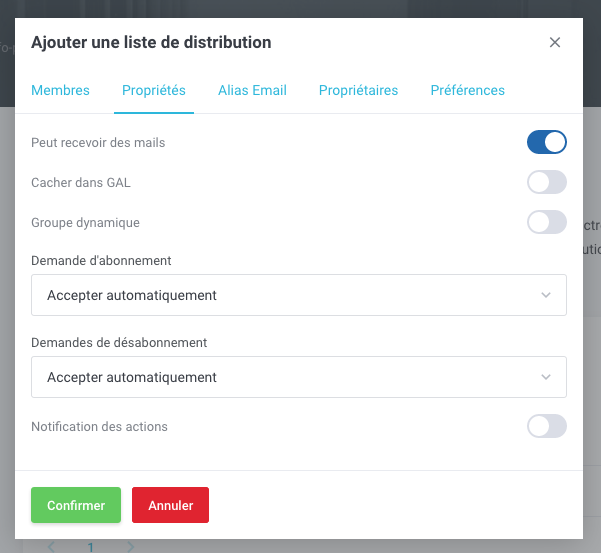
Finally, simply click on Confirm so that the distribution list is created.