
You can create an email account from your PulseHeberg manager in the details of your Hosted Email service by clicking on the Mail accounts button

You will then land on a page summarizing the existing accounts:
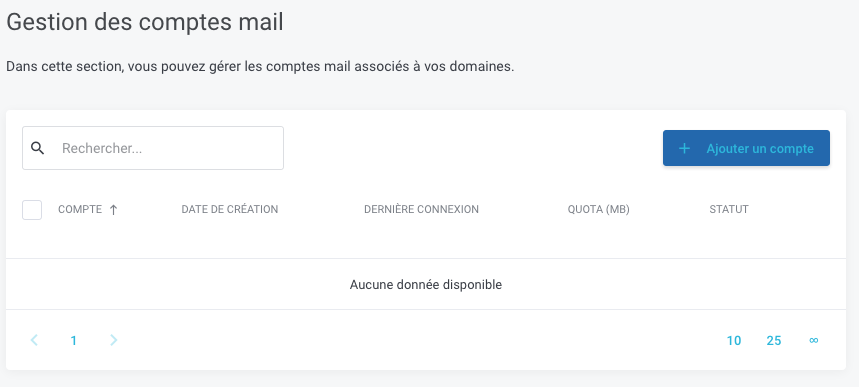
In our example, we do not have any.
To create a new account, click on the Add an account button, then fill in the fields in the pop-up that opens:
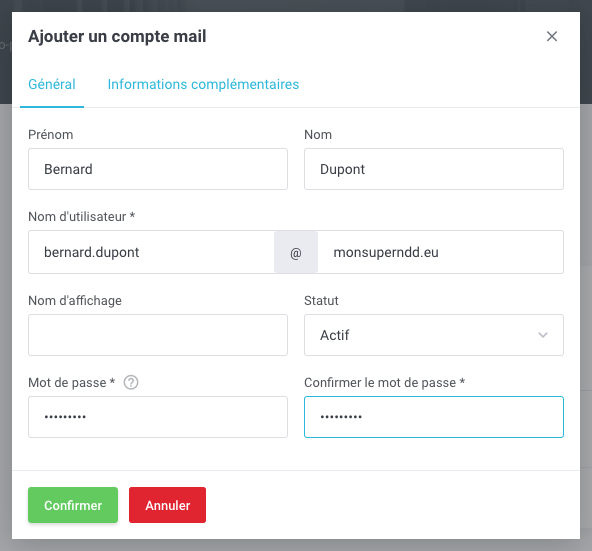
Finally, click on the Confirm button to validate the creation of this new email account.