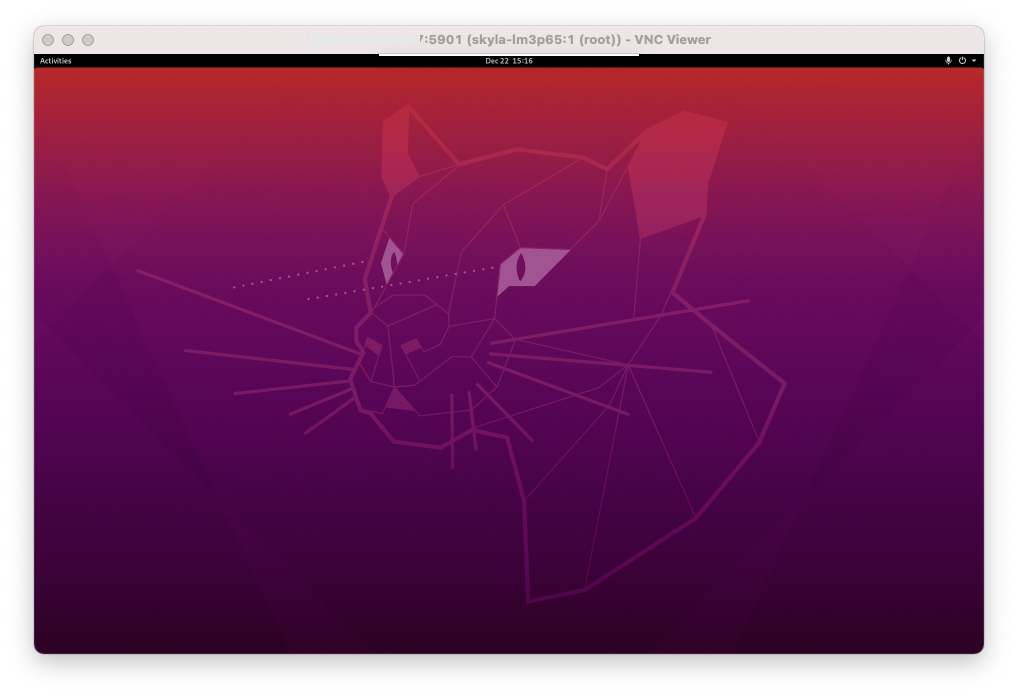
After installing Ubuntu Desktop, you can enable a VNC service so you can connect to your Ubuntu Desktop server via a VNC client without having to go through the client area, which includes a console that should only be used for emergency access to your VPS.
- Log in to your VPS server via SSH
- Install the TigerVNC Server package:
sudo apt install tigervnc-standalone-server -y - Run the vncpasswd command to start configuring your VNC server:
vncpasswdAnswer the questions:
Password: Verify: Would you like to enter a view-only password (y/n)? n```
- Start the VNC server:
vncserver -localhost no|| By default the VNC server listens locally only, the -localhost no argument allows remote access - Connect to your server via VNC with your favorite client at the address IP.OF.YOUR.SERVER:5901
- Your Ubuntu server is accessible via VNC: